Mobile app development, held close

Make the next tap feel obvious.

We shape mobile app patterns in the real proportions of a hand: a product lab for flows, interface language, and the moments where a small screen has to carry a big decision.

Bring a pocket question
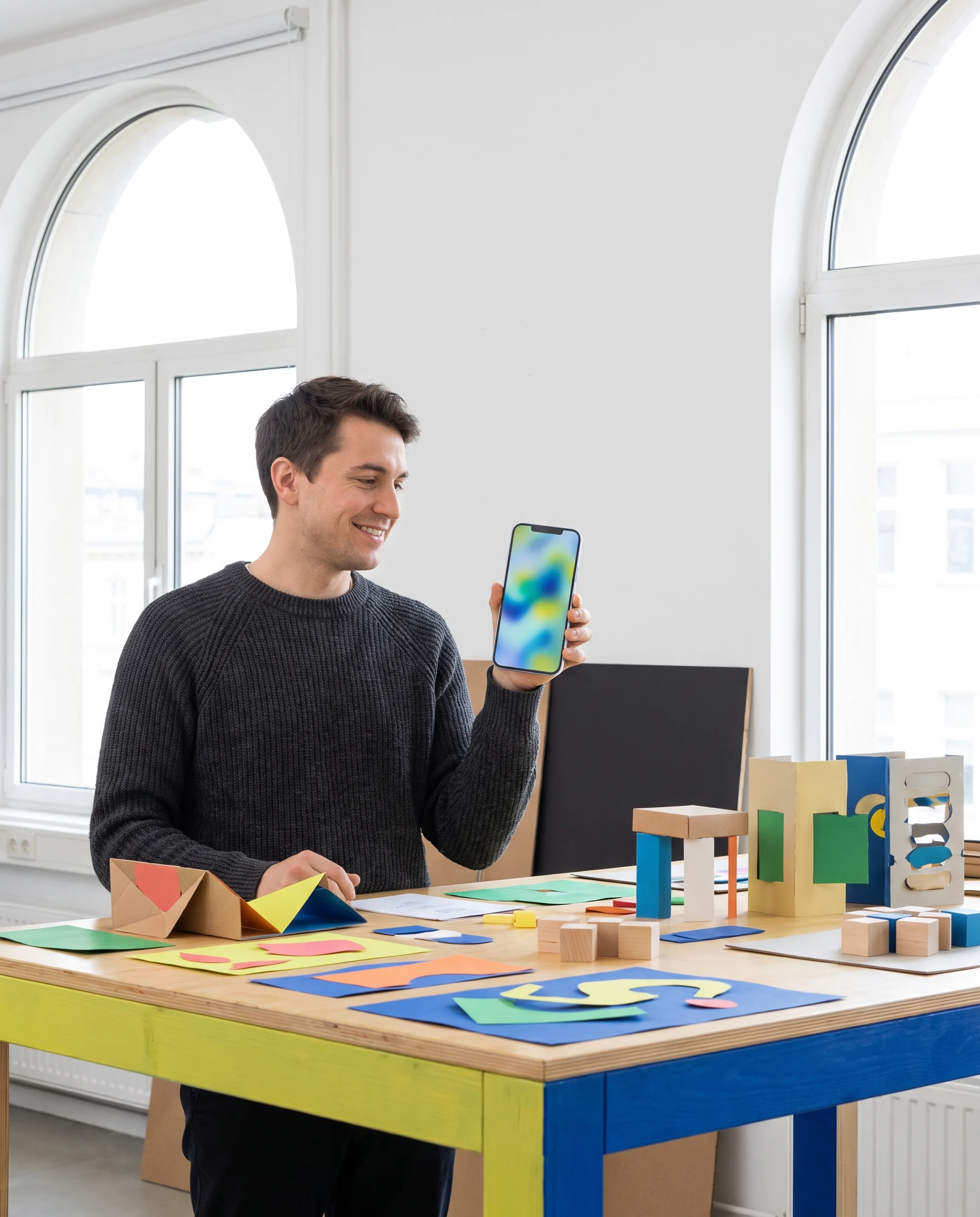
A person reviewing a colorful mobile prototype at a work table
A screen is not a shrink-ray desktop. It is a held object.
Thumb-firstReach, grip, interruption
Flow-awareSteps with a reason to exist
Build-readyNotes teams can use
Plain-spokenLess fog around choices
01 / Pocket Modes

Turn the object. Change the question.

Use the switchboard to inspect the same product decision from three practical angles. These are conversation prompts, not a process diagram.

Grip check

Could someone reach the next useful action while holding their phone the way the day actually asks them to?

02 / Material bench

Patterns need a surface before they need polish.

Thumb zones

Place frequent movement where a hand can repeat it without a grip reset. The important action should not be a scavenger hunt.
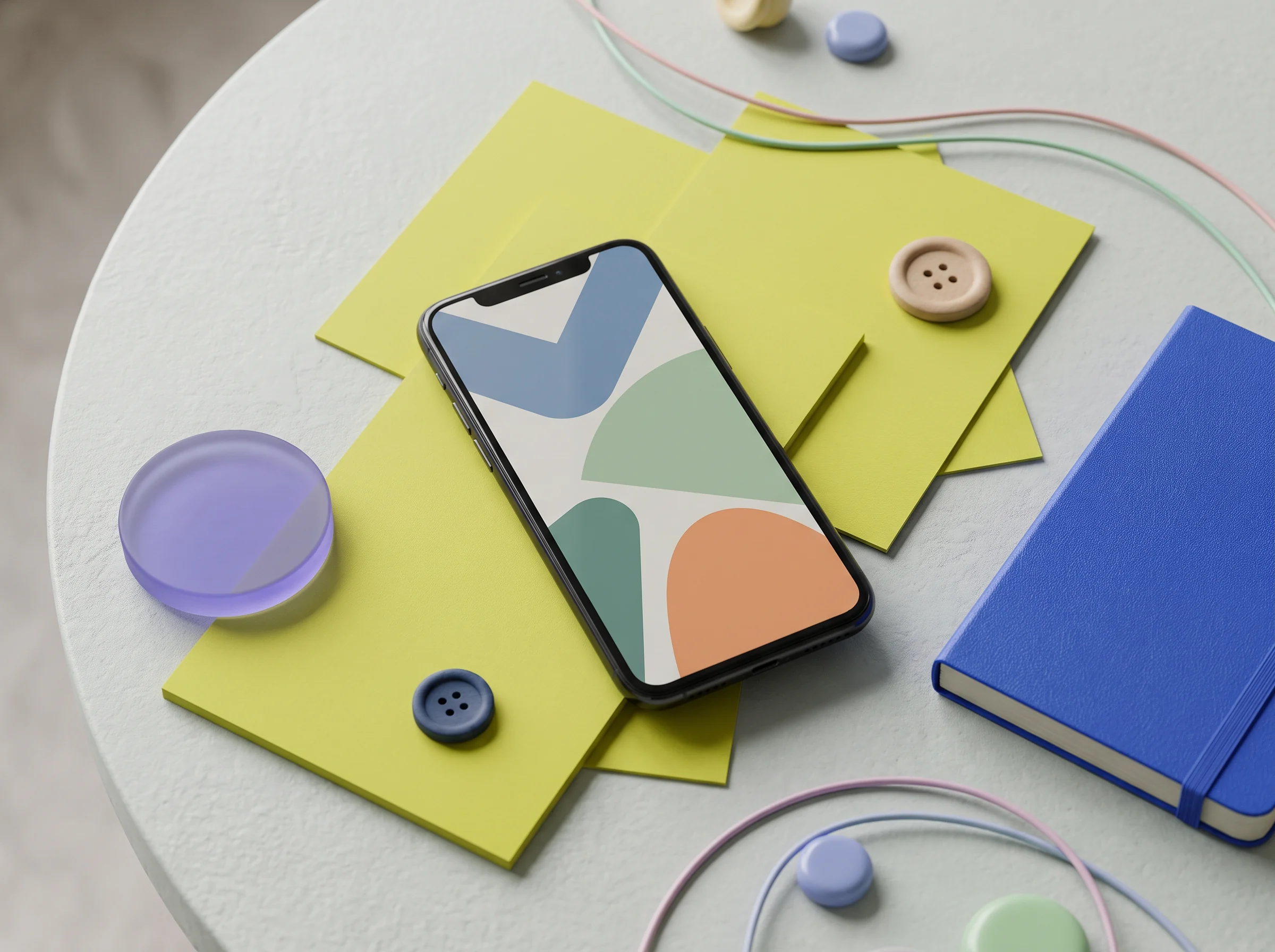
Colorful paper shapes, a phone and prototype components on a work surface

Interface voice

Words, density, and confirmation should say the same thing.

Small commitments

We pull apart a flow into choices a person can understand, reconsider, and complete without being made to memorize the screen.
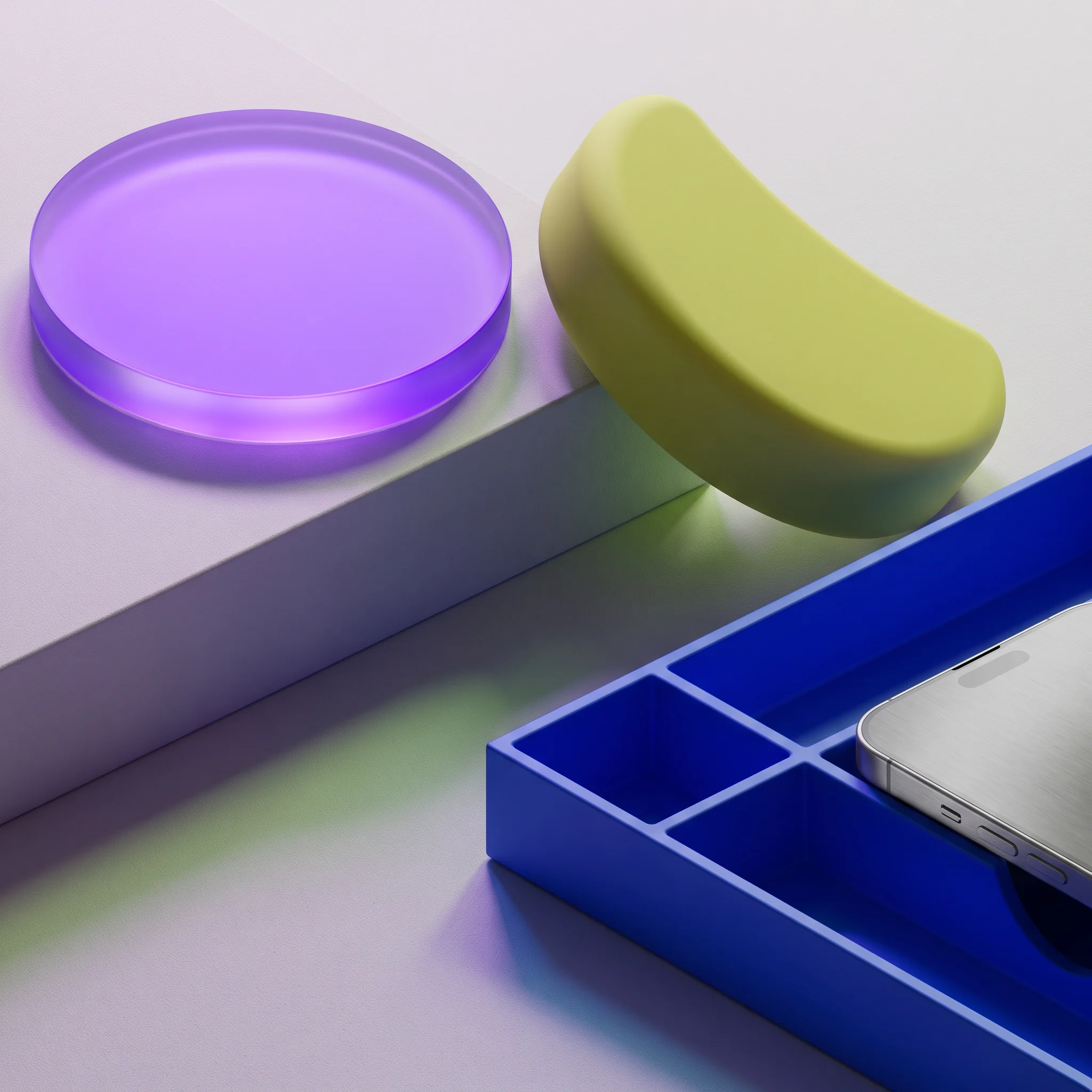
Rounded purple and chartreuse prototype controls on a blue tray
03 / Friction relay

Four prompts for the place a flow catches.

Bring one troublesome screen, a half-sure idea, or a handoff with too many quiet assumptions. We start here.

01

What is the first useful thing?

Not the first thing on the screen — the first thing someone can do with confidence.
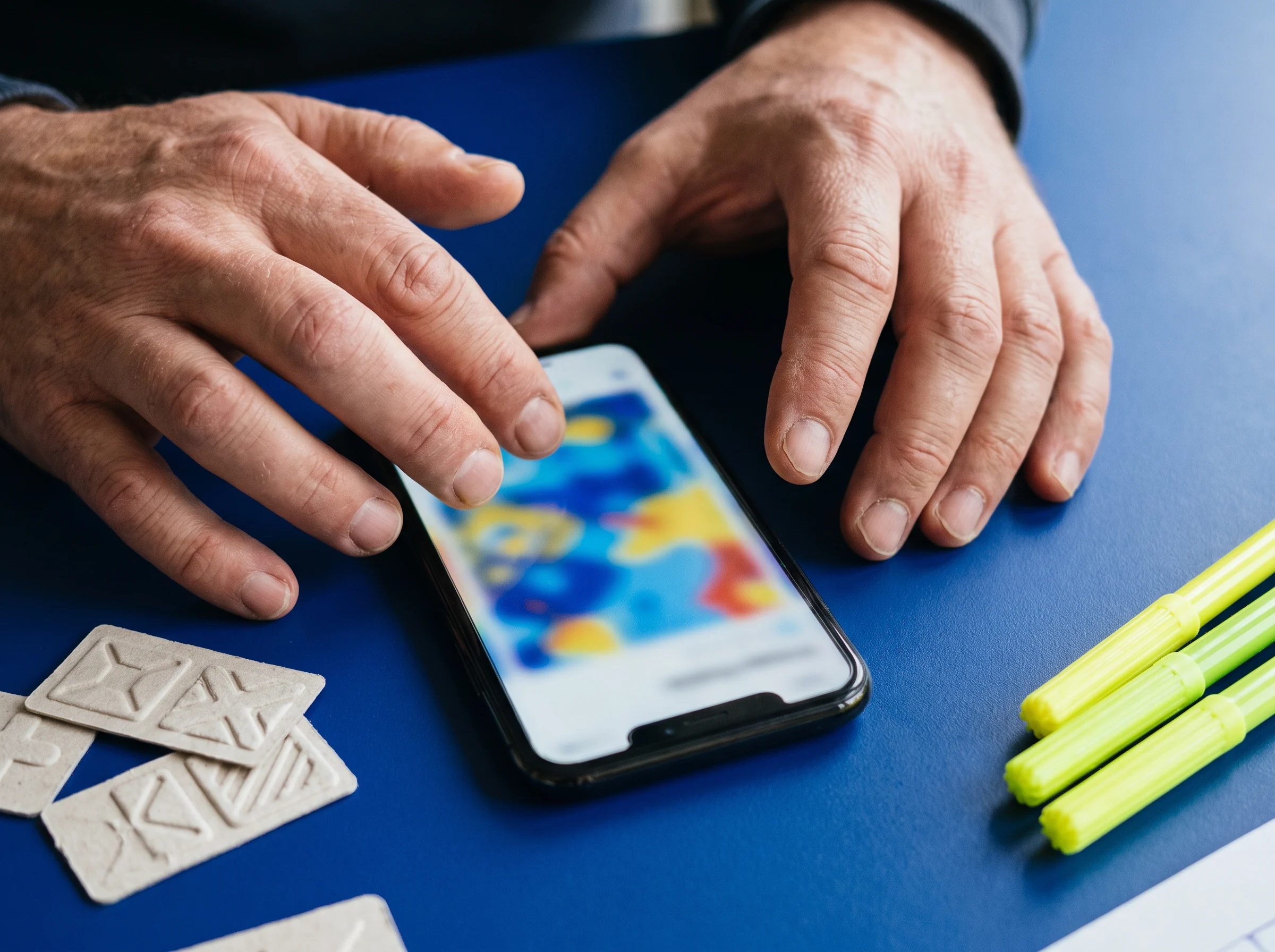
Hands using a phone with colorful paper controls
02

Where does a thumb hesitate?

We look for a hard reach, an unclear label, or a choice that needs too much reading.
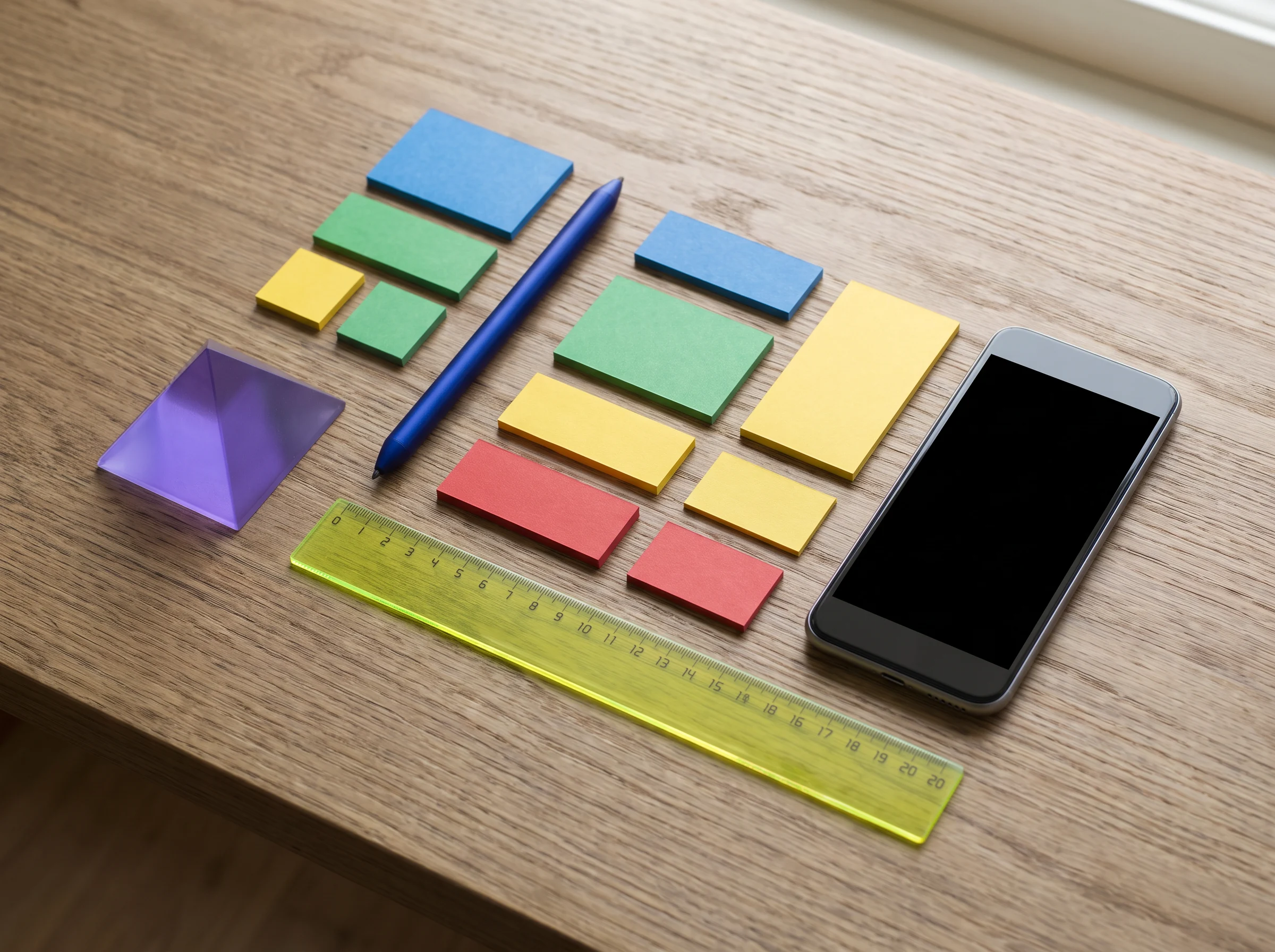
A phone, colored notes and a ruler arranged on a desk
03

What can be carried forward?

Context should travel between steps so the person does not have to reconstruct it.
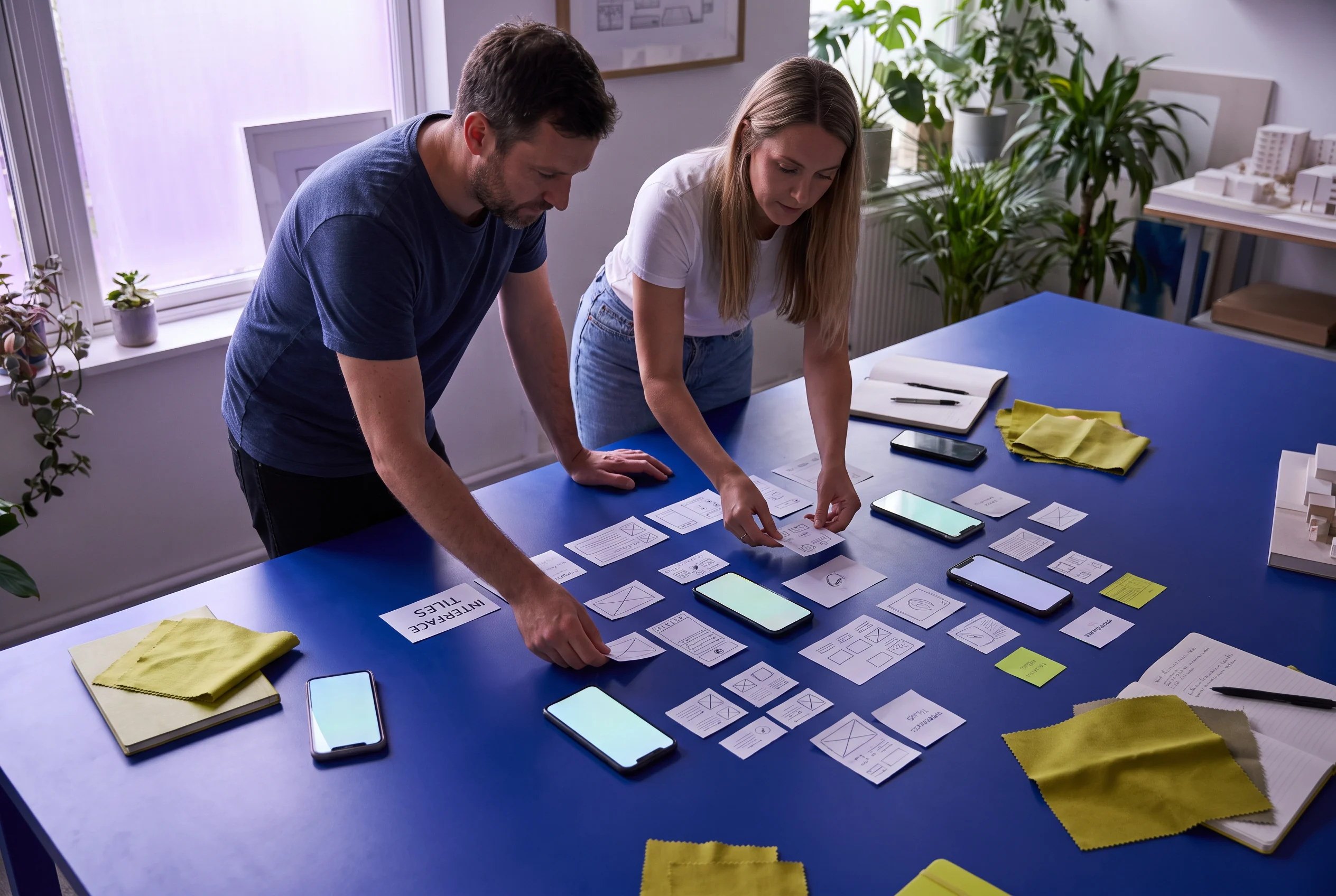
Two people arranging phone screens and colored cards on a blue table
04

How does the step close?

A clear finish makes room for the next moment, whether that is waiting, checking, or leaving.
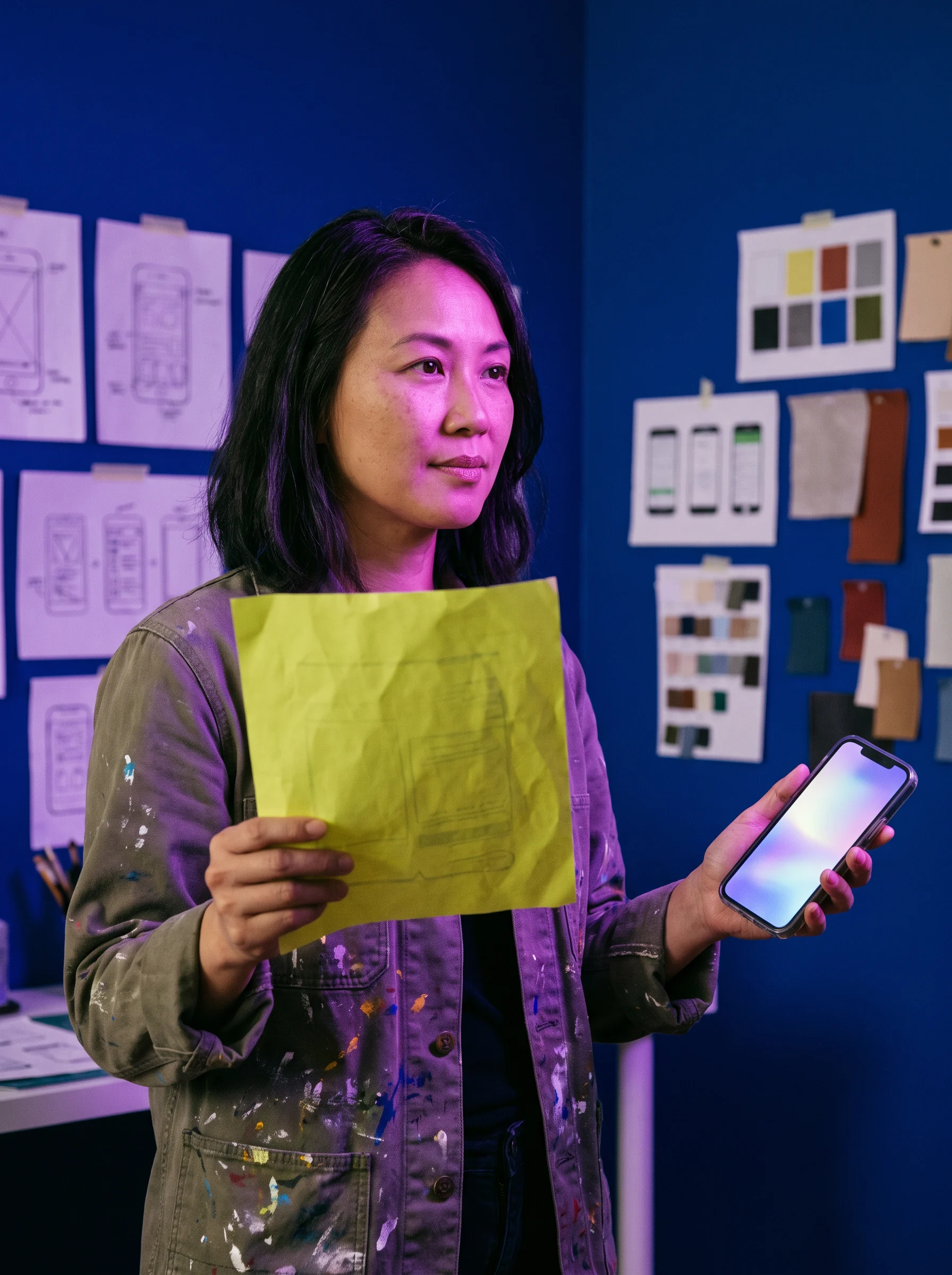
A person holding a chartreuse paper prototype beside a mobile device
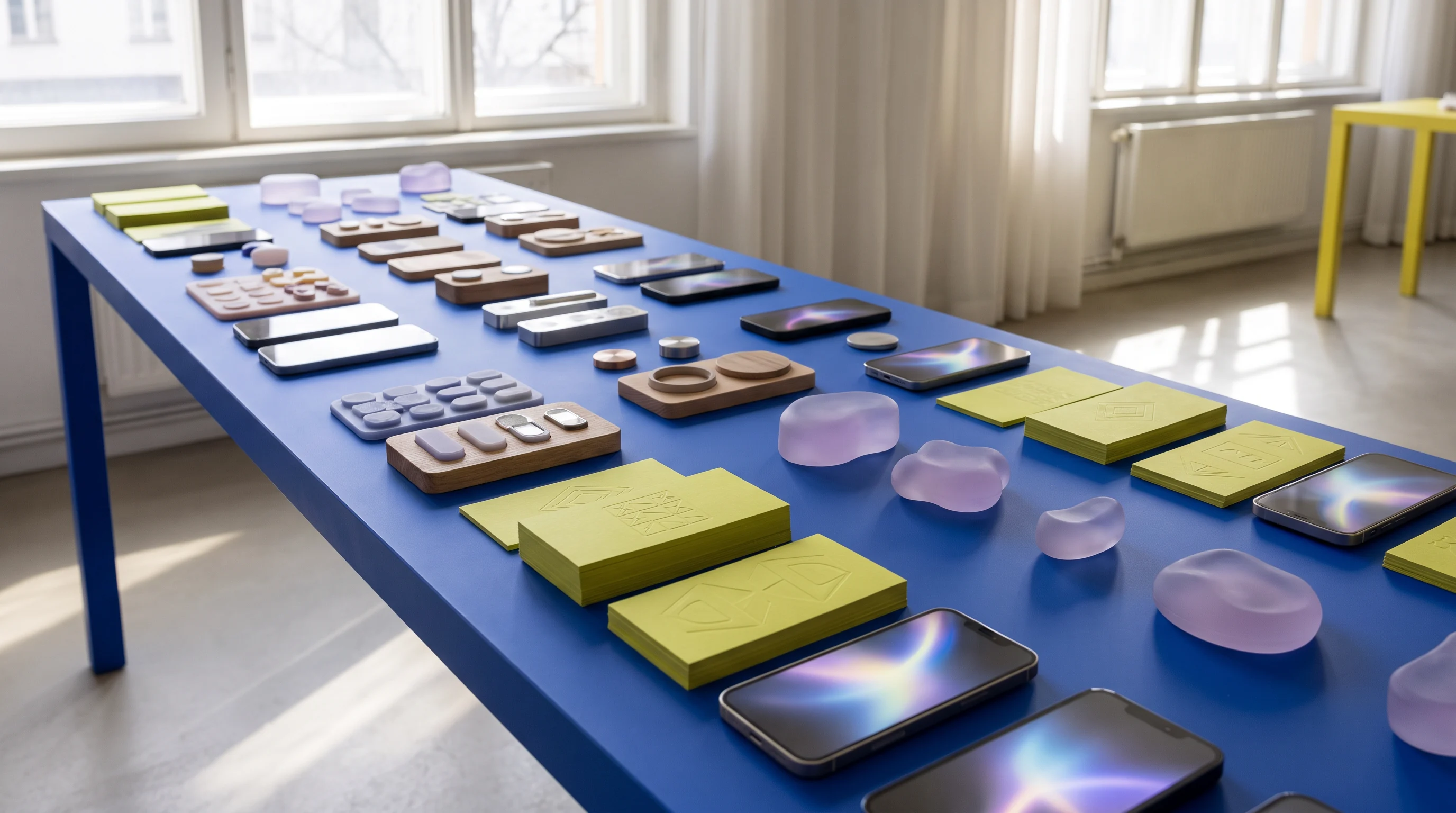
A long blue workbench set with colorful low-fidelity mobile app prototype piecesLiving test bench / parts in reach
05 / Small-screen stories

A product day leaves little receipts.

Not a grand journey map. Just useful fragments that make a mobile behavior more legible.
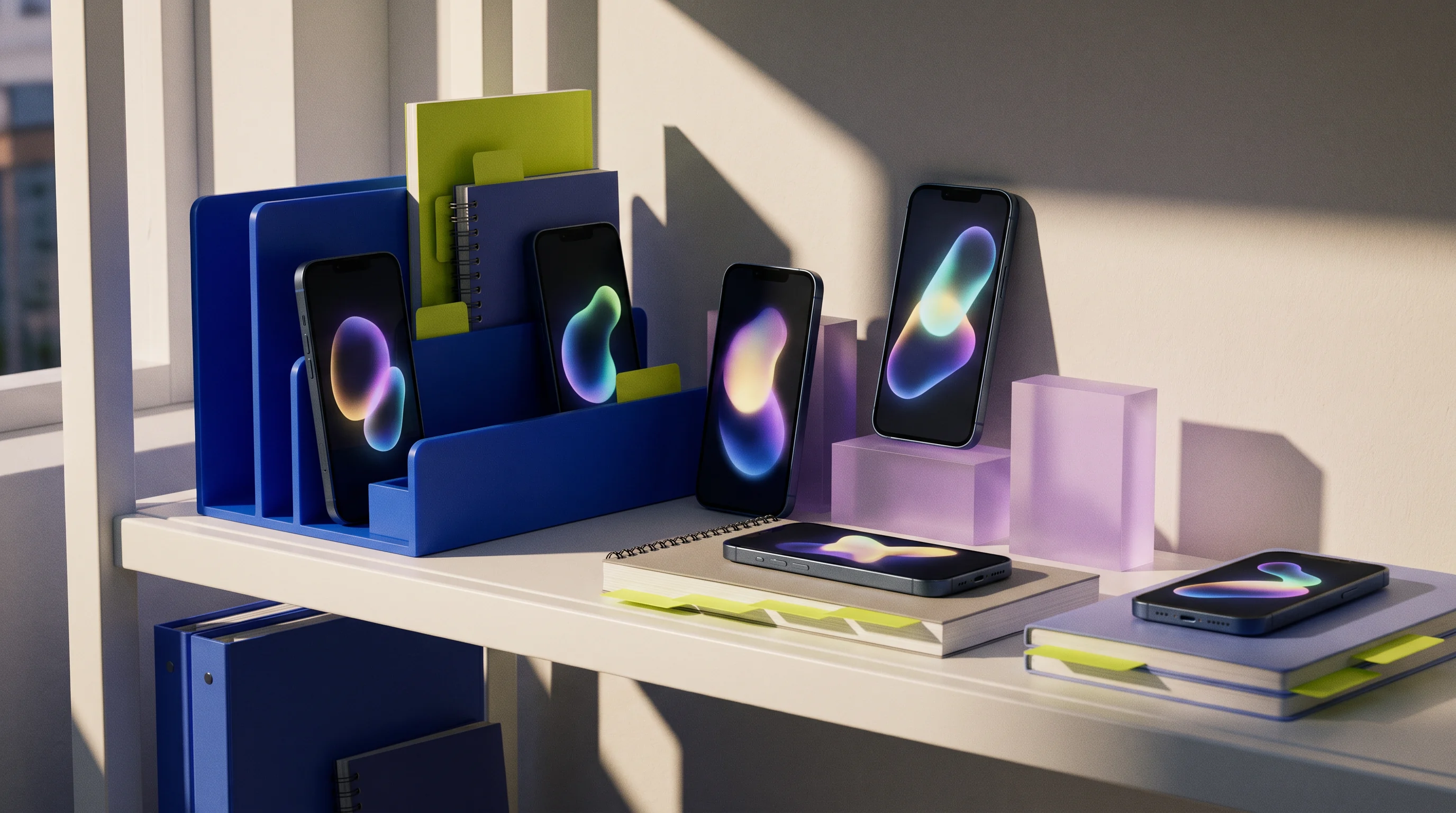
Mobile prototype devices arranged on a colorful shelf
RECEIPT / OPEN

At the threshold

Someone opens the app with a purpose, a partial memory, and no spare patience for orientation.
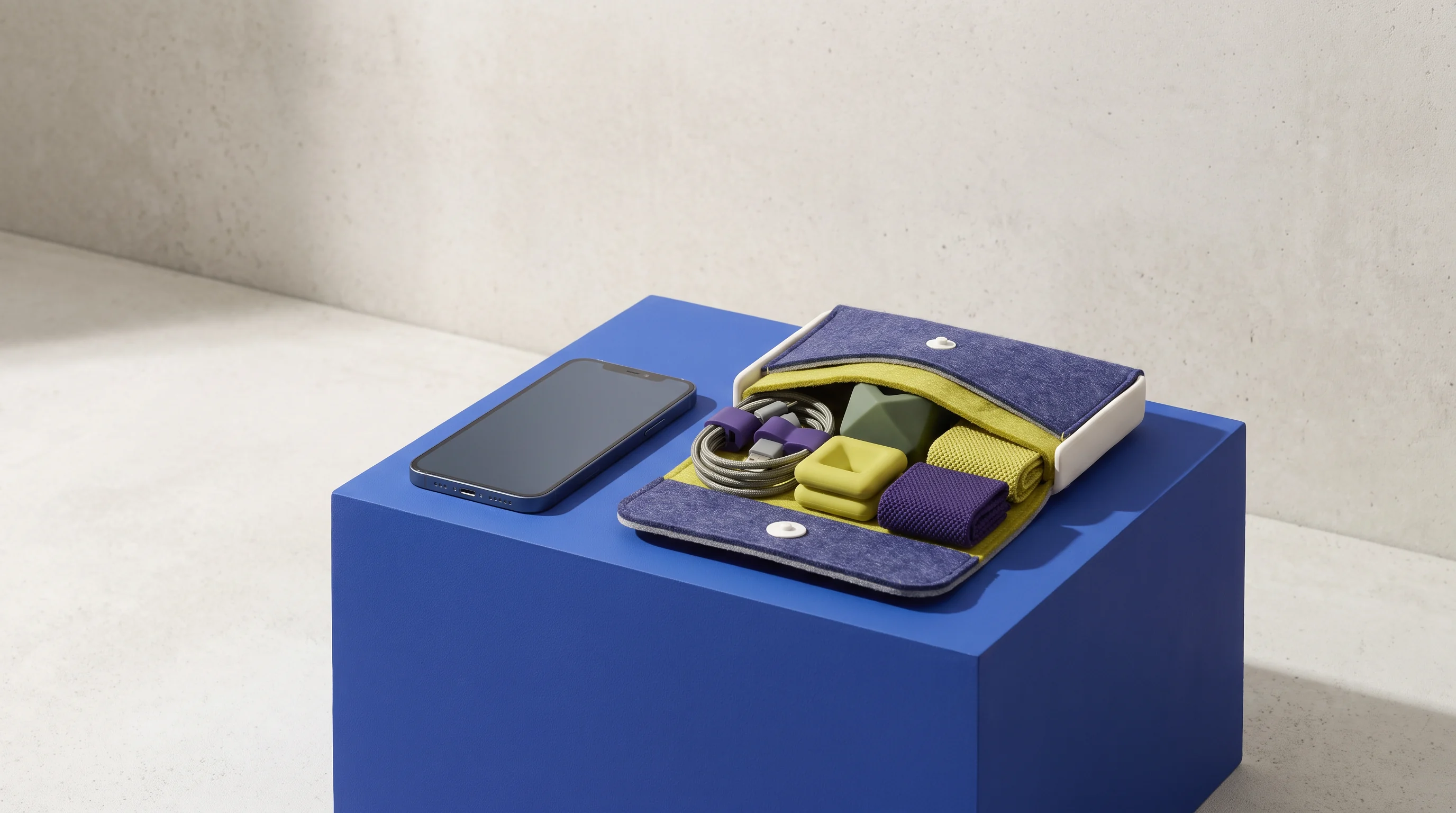
Phone and small design components on a blue plinth
RECEIPT / CHOOSE

At the fork

Two options should be distinct enough to compare without a separate explanation panel.

A maker standing at a table holding a colorful prototype
RECEIPT / RETURN

After the action

The app should leave a useful trace: what changed, what remains, and a calm way back in.

06 / Prototype shelf

Objects that keep the conversation moving.

We use local, legible artifacts to make product conversations tangible: frames, routes, wording experiments, and the component behaviors that connect them.

See the handoff tray
Phone and tactile colorful prototype objectsscreen grammar
Mobile devices and colorful prototype forms on shelvesstates on view
Purple and green tactile design shapestouch cue
07 / Question tray

Useful things to put between people.

A practical handoff is an invitation to continue the work, not a ceremonial pile of files.

Flow cards

Short, named moments with the choice, consequence, and open question visible.

Screen annotations

Notes alongside the frame: what moves, what persists, and what needs a response.

Content prompts

Draft language for the moment it belongs to, including empty and uncertain states.

Decision list

The choices made, assumptions left open, and questions worth carrying into the next working session.

08 / A few direct answers

Questions fit for a pocket.

Bring a new idea, one difficult part of an existing app, or a product question that has become hard to discuss in ordinary meetings. We work well with flows that need a clearer order, interface patterns that need a firmer vocabulary, and screens that need to behave more thoughtfully when attention is limited or interrupted.

We keep the conversation attached to physical and written evidence: framed screens, named states, flow cards, wording options, and a decision list. That makes it easier for people who were not in the room to see what was considered, what remains undecided, and which details deserve attention in planning or implementation.

No. A partial component library, a set of rough screens, a written scenario, or even a disagreement about a particular interaction can be enough material. We can use the session to identify a small interface language as we work, while marking which patterns should be treated as exploratory rather than ready for broader reuse.

Tell us the mobile moment you are trying to clarify and who needs to be able to act on the outcome. We will reply by email with a few questions about the material already available, the working context, and the most useful next conversation. There is no automatic scheduling or background data collection attached to this form.
09 / Bring the question

Give the next tap a name.

Share a mobile product moment that needs a closer look. A short, specific note is more useful than a perfect brief.

[email protected]